

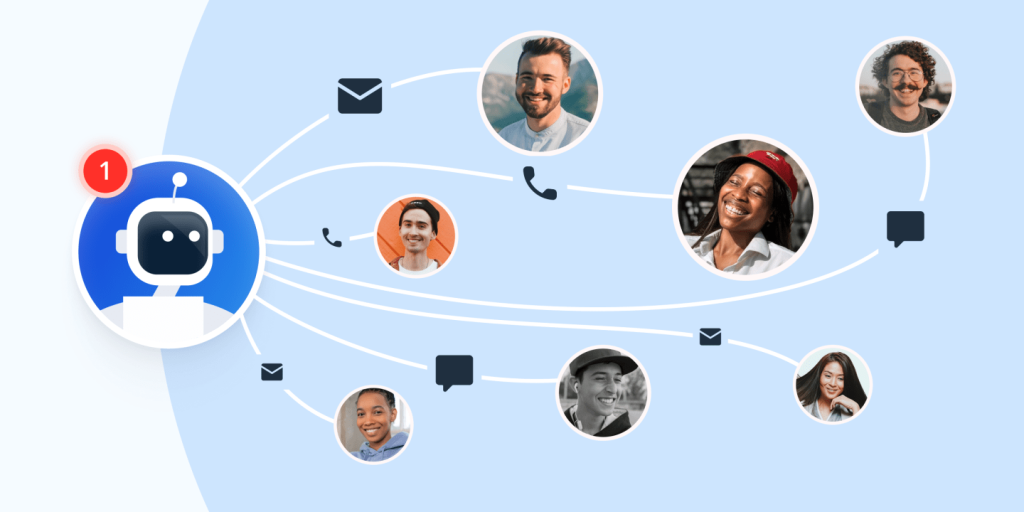
Today, customers want help at any time—day or night. They don’t like waiting. Whether they have a question, need support, or want to track an order, they expect fast answers. This is why many businesses now use AI chatbots. These smart tools can chat with customers just like a human would.
AI chatbots are quick, helpful, and always ready to work. They can answer common questions, guide users, and handle many tasks without needing a break. This saves time for the customer and for your team. It also helps businesses grow by keeping people happy and solving problems fast.
No matter the size of your business, a chatbot can be a big help. It’s like having a support agent who never sleeps. In this blog, we’ll look at what AI chatbots are, why they matter, and how to use them to give 24/7 support to your customers.
What Exactly Is an AI Chatbot?
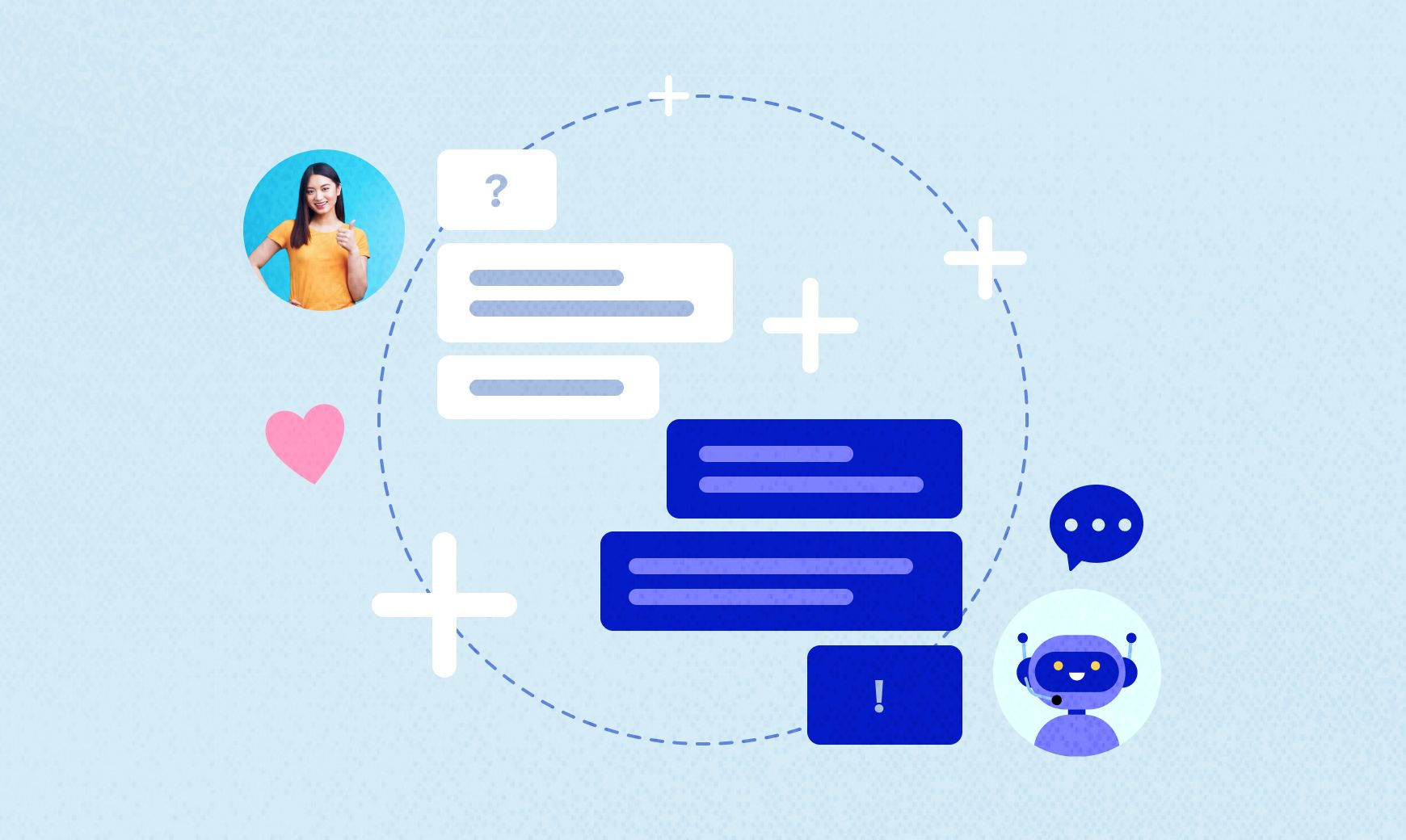
An AI chatbot is a smart computer program that can talk to people using natural language. It works like a digital assistant that understands what someone types and gives the right response. These chatbots use artificial intelligence (AI) to understand questions, find answers, and even learn from past chats to get better over time.
You can find AI chatbots on websites, in mobile apps, and on social media platforms. They’re built to help customers quickly and easily—without needing a real person every time. For example, if someone wants to check their order status, reset a password, or ask about store hours, the chatbot can answer right away.
AI chatbots can do more than just answer basic questions. Some can guide users step by step, take orders, give product suggestions, or even send alerts. They work around the clock, which means they’re always ready to help—even when your team is offline.
In simple terms, an AI chatbot is like a helpful virtual team member who never sleeps.
Live Chat
Live chat is a real-time messaging tool that lets customers talk directly with a support agent. It usually appears as a small chat window on a website or app. When customers have questions, they can click the chat icon and start typing. A human support person replies on the other side.
Live chat helps create a personal connection. Customers feel more confident when they know a real person is helping them. It’s useful for complex problems or when a human touch is needed. However, it has some downsides. Live chat often works only during business hours. If all agents are busy, customers have to wait in line. During weekends or late hours, the chat might be offline, which leaves customers stuck.
This is where AI chatbots come in to fill the gap.
AI Chatbots
AI chatbots are computer programs that are built to talk like humans. They use artificial intelligence to understand questions and give useful answers. These bots can be added to websites, apps, or social media platforms. Once added, they can chat with customers anytime—day or night.
Unlike live chat, AI chatbots never sleep. They are available 24/7. This means customers can get help at any hour, even on holidays or weekends. AI chatbots are fast and can talk to many people at the same time. They don’t get tired, and they don’t keep people waiting.
AI chatbots are good at handling common questions like:
-
“Where is my order?”
-
“What are your business hours?”
-
“How can I reset my password?”
They can also guide users through simple steps or collect customer details before handing them off to a human agent, if needed.
Over time, these bots get smarter. With more data and training, they learn how to respond better. For businesses, this means fewer support tickets, faster service, and happier customers. AI chatbots are not meant to replace human agents—but they work with them to give stronger and faster support.
Why Should You Consider an AI Chatbot for 24/7 Support?
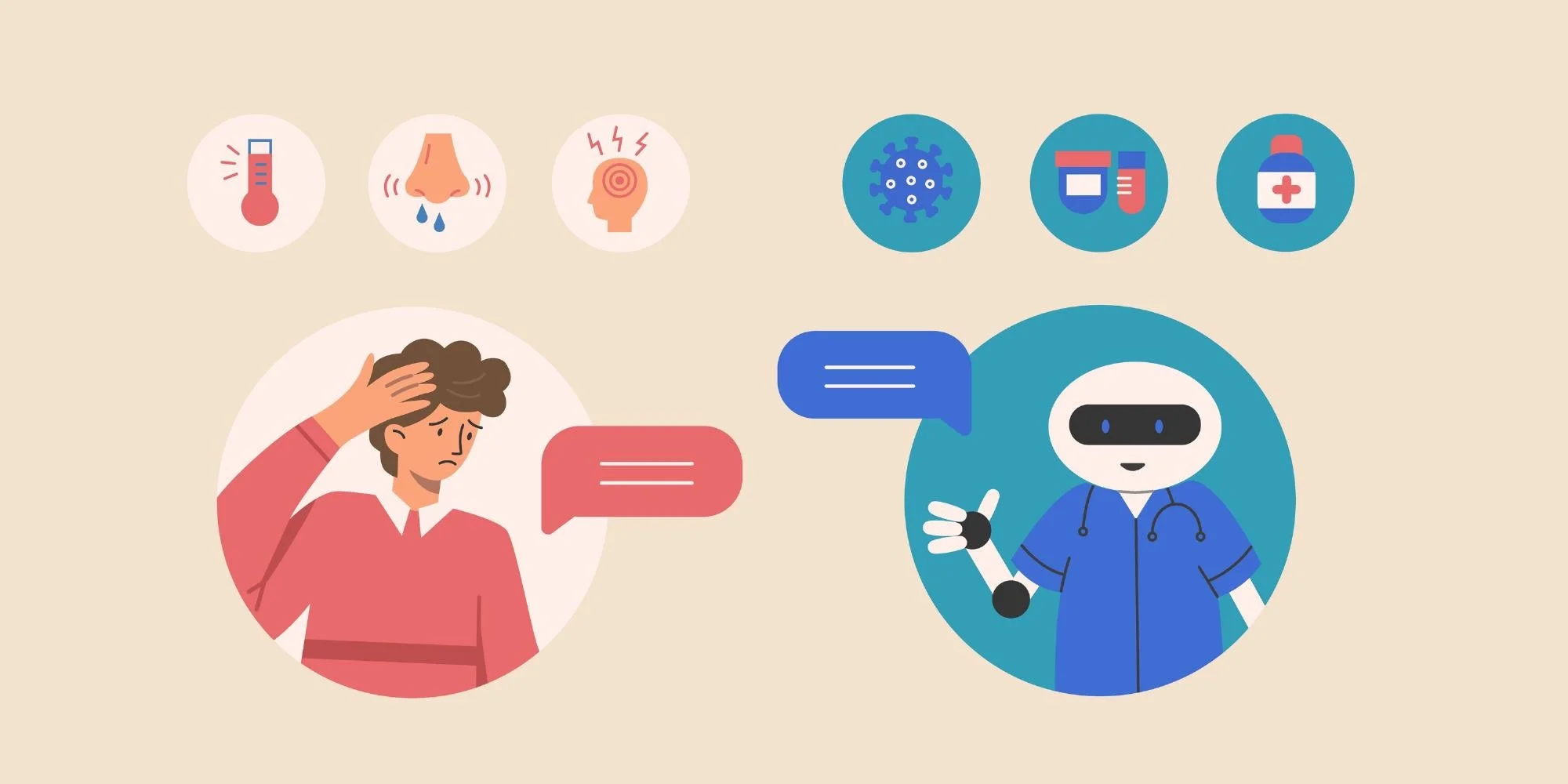
AI chatbots are more than just a trend—they’re a smart tool for modern businesses. They help solve problems faster, cut down support costs, and keep customers happy any time of the day or night. Here’s a detailed look at the key reasons why your business should use an AI chatbot for 24/7 customer support.
Always-On Availability
An AI chatbot never needs sleep, breaks, or time off. It works 24 hours a day, 7 days a week—even during holidays. This means your business is always available to help customers, no matter when they reach out. Whether someone needs help at midnight or early in the morning, the chatbot is ready.
This always-on support builds trust with customers. They know they can count on your business for quick help, no matter the time. It also keeps you ahead of competitors who may only offer support during business hours.
Cost-Efficiency
Running a full customer support team around the clock is costly. You’d need to hire more people, pay for training, and manage larger teams. With an AI chatbot, you avoid many of those costs. A chatbot can handle thousands of customer questions without needing a salary or benefits.
Once set up, an AI chatbot runs with little extra cost. It saves your business money while still giving fast and helpful answers. You can reduce the number of live agents needed for simple tasks and let your human team focus on more complex issues.
Scalable Support
As your business grows, your customer support needs grow too. It can be hard to keep up with a rising number of support requests. AI chatbots make it easy to scale. Whether you have 100 users or 10,000, the chatbot can talk to all of them at once without slowing down.
There’s no need to hire more staff right away. The chatbot handles the growing workload, so you can keep up with demand without stress. This makes it a great tool for small businesses aiming to grow or larger companies dealing with heavy traffic.
Personalization
AI chatbots can be smart and personal. They can remember past chats, recognize repeat customers, and even adjust their tone based on the situation. Some advanced chatbots can pull customer data from your system and use it to give more accurate answers.
For example, if a customer asks about a recent order, the chatbot can look up the order status and share it quickly. This personalized service makes customers feel seen and valued. It also saves time by skipping the need to repeat basic info again and again.
Seamless Integration Across Platforms
Your customers may reach out on different platforms—your website, app, Facebook, Instagram, or even WhatsApp. A good AI chatbot can connect to all of these places. It gives users a smooth experience no matter where they message from.
This kind of integration helps your business stay connected everywhere. Customers get the same quality of help, whether they message you from a phone or a laptop. It also makes managing support easier, since all messages can be handled in one place.
Quick AI Solutions for Routine Tasks
Many customer support requests are simple and repetitive. People ask the same questions over and over—about delivery times, refund policies, how to reset a password, and more. AI chatbots are perfect for these jobs.
They can answer common questions instantly, guide users through steps, and even complete basic tasks like booking an appointment or updating contact details. This saves a lot of time for both your customers and your support team.
Instead of waiting in line for a human agent, customers get instant answers. Meanwhile, your live agents can focus on more complex or sensitive issues that need a human touch.
AI chatbots help businesses deliver faster, smarter, and more reliable support—day and night. They save money, boost customer satisfaction, and make sure your business is always ready to help.
How to Get Started With an AI Chatbot
Getting started with an AI chatbot may seem complex, but the process becomes much easier when you take it step by step. Whether you’re a small startup or a growing business, following a clear plan will help you set up a chatbot that works well for your customers and your team. Below are five key steps to guide you through the setup process.
Step 1: Identify Your Business Needs
Before choosing a chatbot, you need to understand what your business actually needs. Ask yourself some key questions:
-
What problems do your customers often face?
-
Are your support agents overwhelmed with repetitive questions?
-
Do you want a chatbot for customer service, lead generation, sales, or all three?
Take time to write down the top goals you want your chatbot to achieve. For example, if your customers keep asking about order tracking or store hours, your chatbot should be able to handle those tasks first.
Also, think about where the chatbot will live. Will it appear on your website, Facebook page, or mobile app? Knowing your goals and where you’ll place the chatbot helps you build one that serves your users better.
Step 2: Choose the Right AI Chatbot Platform
Once your goals are clear, the next step is picking the right platform. There are many AI chatbot tools out there—some are simple drag-and-drop builders, while others use advanced AI like machine learning and natural language processing (NLP).
Here are a few things to look for when choosing a chatbot platform:
-
Ease of use: Can your team build and manage it without writing code?
-
AI capabilities: Can it understand natural language and improve with use?
-
Integration: Does it work well with your website, CRM, helpdesk, or eCommerce tools?
-
Multi-channel support: Can it work across your website, mobile app, and social media?
Popular platforms include Tidio, ManyChat, Chatfuel, Intercom, Drift, and Zendesk AI. Pick one that matches your business size, budget, and tech skills.
Step 3: Customize Your Chatbot
Now it’s time to design your chatbot. This means choosing how it looks, what it says, and what kind of tasks it handles. Start by creating chatbot “flows” or conversation paths based on real customer questions.
For example:
-
If a user types “Where is my order?”, the chatbot can ask for an order number and provide a tracking link.
-
If a user asks about business hours, it can give the latest timing.
Make sure your chatbot speaks in your brand’s voice. If your business has a fun and friendly tone, the chatbot should too. Add a welcome message, quick reply buttons, and clear menus so users know what to do next.
Also, include an option for users to talk to a human if the chatbot can’t help. This creates a better user experience and builds trust.
Step 4: Train Your Chatbot
Even smart AI chatbots need training. Start by feeding your chatbot with real questions customers have asked in the past. Use help center articles, chat transcripts, or support tickets as examples.
The more questions and answers you provide, the better your chatbot will become at responding. Over time, the chatbot will learn to understand different ways people ask the same thing.
Some platforms also let you train the chatbot with AI features like intent recognition and keyword mapping. This helps the bot respond more accurately, even if the question isn’t worded perfectly.
Be sure to test different types of questions and correct any wrong answers. Keep improving your bot as you go.
Step 5: Test, Launch and Optimize
Before going live, test your chatbot carefully. Try different questions, routes, and tasks. Make sure it gives helpful replies and doesn’t get stuck.
Have your team, friends, or even loyal customers test it too. Collect feedback on how well it works and how easy it is to use.
Once everything looks good, launch the chatbot on your chosen platforms. But don’t stop there! Watch how users interact with it, check reports, and track data like:
-
How many users it helps
-
Which questions it answers best
-
Where it gets stuck
Use this data to keep improving the chatbot over time. Add more questions, update answers, and fine-tune the flow to match your users’ needs.
Starting with an AI chatbot takes planning, but the rewards are big. With the right setup, your chatbot can handle tasks, improve support, and help your business grow—all day, every day.
Unlock the Power of AI Chatbots With Pro Real Tech
AI chatbots aren’t just for large companies anymore—they’re essential for businesses of every size. With 24/7 support, lower costs, smart scalability, and easy platform integration, they’re changing how businesses connect with customers.
If you want to improve support, boost response times, and increase conversions, now is the time to explore AI-driven chatbots. At Pro Real Tech, we build advanced AI solutions designed to help businesses stay responsive and competitive.
Try a free demo today and see how AI chatbots can elevate your customer service.


